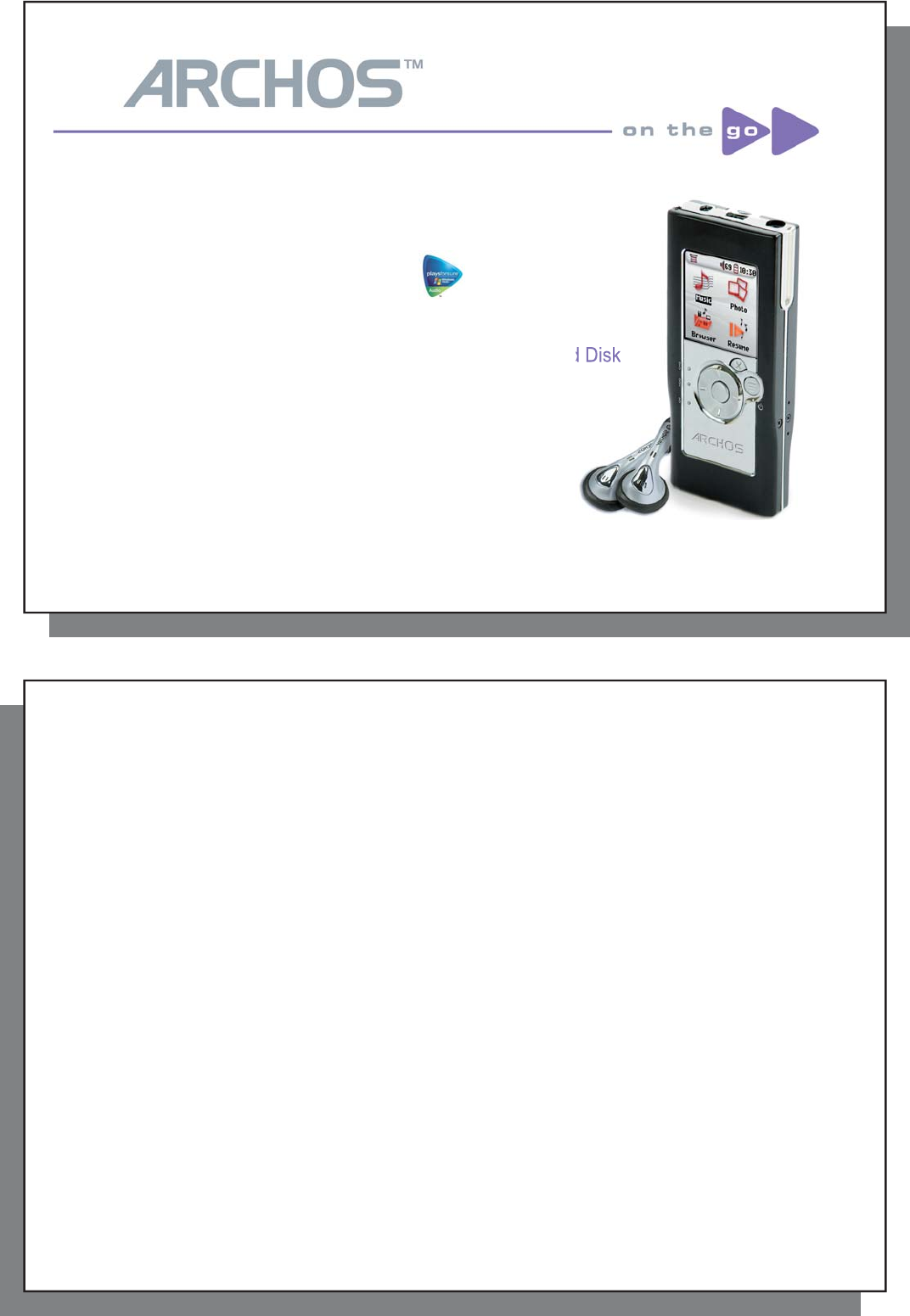
Introduction to Archos104 MP3 & WMA Digital Music Player / Photo Viewer / USB 2.0 Hard Disk user manual :

Dear Customer, Archos thanks you for choosing our new ultra-small ArchosTM 104. Check out our web site www.archos.com to find the available accessories for this product (car adapter, carrying cases, etc.). Also, while at our web site, check for free downloads of updated and improved software for your device. The principal function of the ArchosTM 104 is, of course, to play music. Because it has a real hard disk inside of it, you can store hundreds of songs. Using a standard audio cable, you can also play your music through a home entertainment system. You can bring your entire CD collection with you anywhere and play it over anyone's sound system. Putting music onto your ArchosTM 104 is as easy as `drag and drop' for your unprotected music files. And for protected purchased music from PlaysForSure web sites, it is as easy as clicking the Sync button in Windows Media Player. Plus, with its USB 2 high speed port, transfers are finished before you know it. The ArchosTM 104 is also ID3 compatible. This means that the ARCLibrary will sort your music so that you can listen to it by artist, album, title, year, or genre. Click on Shuffle, and listen to your music at random. With your ArchosTM 104 you can also view photos on the built-in OLED screen. Just transfer them from your computer, and you'll be able to look at them wherever you take your ArchosTM 104. Finally, you can always use the ArchosTM 104 as a portable hard drive to carry your important files with you. You can even use the Archos double-browser to rename, create, copy, move, and delete files and folders. This manual gives you all the information you need to know on using your ArchosTM 104. Read through it carefully, you just may find out it can do some neat things that you didn't expect. If you are stuck, you can always call our help line or e-mail support to get a friendly Archos agent to give you a hand. Wishing you the best music listening experience, The Archos Team

Archos104 MP3 & WMA Digital Music Player / Photo Viewer / USB 2.0 Hard Disk user manual Table of Contents:

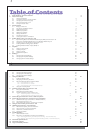
2 First Time Usage 6 2.1 Charging the Battery 6 2.2 Turning the ArchosTM 104 ON and OFF 7 2.3 Changing the Interface language 7 2.4 Caring for the ArchosTM 104 7 2.5 Foreign Character Sets 7 3 Playing Music 8 3.1 Playing a Music File 8 3.2 Play Screen and Button Control 9 3.3 Playback Menu Items 11 3.4 ARCLibrary Specifics 11 3.5 ARCLibrary Updating 12 3.6 Setting a Bookmark 12 3.7 The Resume Function 12 3.8 Locking the ArchosTM 104 Buttons 13 4 Putting Music onto your ArchosTM 104 14 4.1 Synchronizing Music from Windows Media Player (WMP) to the ArchosTM 104 14 4.2 Comparison of Windows Media Player 10 to Windows Media Player 9 15 4.3 Transferring your CD collection to the ArchosTM 104 15 4.4 Installing Windows Media Player (WMP) 9 16 4.5 Installing Windows Media Player (WMP) 10 16 5 Playlists 17 5.1 Creating a new Playlist 17 5.2 Loading a Playlist 18 5.3 Playing a Playlist 18 5.4 Playlist Menu Options 18 6 Settings 20 6.1 Changing the Sound Settings 20 6.2 Changing the PlayMode Settings 22 6.3 Changing the time & date settings 23 4 4 6.4 Changing the Display Settings 24 6.5 Changing the Power Settings 25 6.6 Changing the System Settings 26 7 Using the Browser 27 7.1 Inside the MUSIC Folder 27 7.2 Navigating the Directory Structure 28 7.3 File and Folder Operations in Browser Mode 29 7.3.1 Contextual Menu on a File 29 7.3.2 Contextual Menu on a Folder 29 7.3.3 Contextual Menu while in the Double Browser 30 7.4 Using the Virtual Keyboard 30 8 Viewing Photos with your ArchosTM 104 32 8.1 Using the Photo Browser 32 8.2 Photo Browser Contextual Menu 33 8.3 Transferring Photos to your ArchosTM 104 34 8.3.1 Transferring Photos in Hard Disk Mode 34 8.3.2 Transferring Photos in Windows Device Mode 34 9 Connecting the ArchosTM 104 to a Stereo system 35 10 Connecting the ArchosTM 104 to/from your Computer 36 10.1 USB Connection Type (`Hard Drive' or `Windows Device') 36 10.2 Connecting the ArchosTM 104 36 10.3 Disconnecting the ArchosTM 104 from your Computer 37 11 Using iTunesTM with your ArchosTM 104 40 12 Updating the ArchosTM 104 Firmware 41 12.1 Download the Update_Archos104.AOS file 41 12.2 Copy to ArchosTM 104 root and Update 41 12.3 `Hard Drive' or `Windows Device'? 42 12.4 Activate the Update 42 13 Troubleshooting 43 13.1 USB Connection issues 43 13.2 File issues, corrupted data, formatting, and partitioning. 45 13.2.1 Windows ME Running Scan-Disk (Error Checking) - Hard Disk Mode only 46 13.2.2 Windows XP & 2000 Running Check Disk Utility (ChkDsk) - Hard Disk Mode only 46 14 Technical Specifications 47 15 Technical Support 48 16 Legal and Safety Notices 51

Here Is the Cover Page Text:

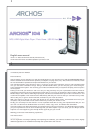
1 1 ARCHOSARCHOSTMTM 104104 MP3 & WMA Digital Music Player / Photo Viewer / USB 2.0 Hard Disk English user manual Version 1.0 - Please see the Archos web site (www.archos.com) for the most recent manual and software updates for your ArchosTM 104. 2 2 An introductory note from ARCHOS Dear Customer, Archos thanks you for choosing our new ultra-small ArchosTM 104. Check out our web site www.archos.com to find the available accessories for this product (car adapter, carrying cases, etc.). Also, while at our web site, check for free downloads of updated and improved software for your device. The principal function of the ArchosTM 104 is, of course, to play music. Because it has a real hard disk inside of it, you can store hundreds of songs. Using a standard audio cable, you can also play your music through a home entertainment system. You can bring your entire CD collection with you anywhere and play it over anyone's sound system. Putting music onto your ArchosTM 104 is as easy as `drag and drop' for your unprotected music files. And for protected purchased music from PlaysForSure web sites, it is as easy as clicking the Sync button in Windows Media Player. Plus, with its USB 2 high speed port, transfers are finished before you know it. The ArchosTM 104 is also ID3 compatible. This means that the ARCLibrary will sort your music so that you can listen to it by artist, album, title, year, or genre. Click on Shuffle, and listen to your music at random. With your ArchosTM 104 you can also view photos on the built-in OLED screen. Just transfer them from your computer, and you'll be able to look at them wherever you take your ArchosTM 104. Finally, you can always use the ArchosTM 104 as a portable hard drive to carry your important files with you. You can even use the Archos double-browser to rename, create, copy, move, and delete files and folders. This manual gives you all the information you need to know on using your ArchosTM 104. Read through it carefully, you just may find out it can do some neat things that you didn't expect. If you are stuck, you can always call our help line or e-mail support to get a friendly Archos agent to give you a hand. Wishing you the best music listening experience, The Archos Team __________ As our engineers are always updating and improving the software, your device's software may have a slightly different appearance or modified functionality than presented in this manual.

This Isn't the Manual You Were Looking For?

See all Archos Portable CD MP3 Player Manuals.